Your KitchenAid Ice Maker Stopped Making Ice. Start Here.
You opened the KitchenAid freezer this morning and the bin was empty. In my experience, the arm is the first thing worth checking: the fix costs nothing and ta…

We handle KitchenAid wall oven repair across the Denver Metro Area, on single, double and combination units. The machine is bolted into a cabinet and hard-wired behind it, so the first job is often reaching it at all. Our technicians are insured, and every repair carries a 100-day labor warranty.
Two naming generations sit in Denver Metro kitchens, and they look almost identical on the rating plate. The letter that separates a single from a double moved position between them. Read it off the plate before you call.
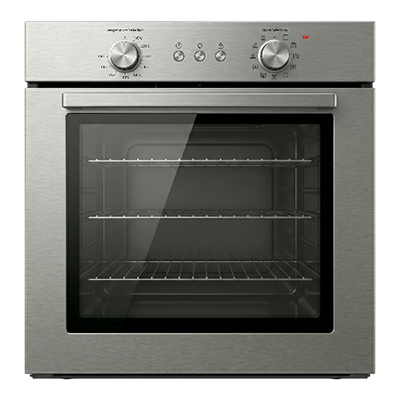
KOES today, KOSE and the 24 inch KOSC on older stock
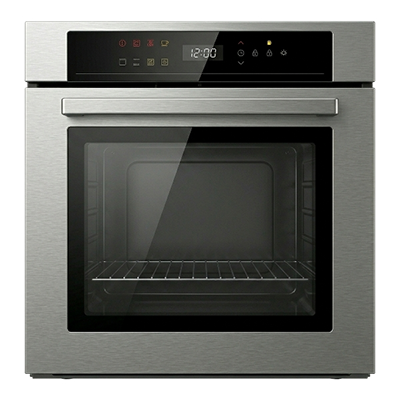
KOED today, KODE and the 24 inch KODC on older stock
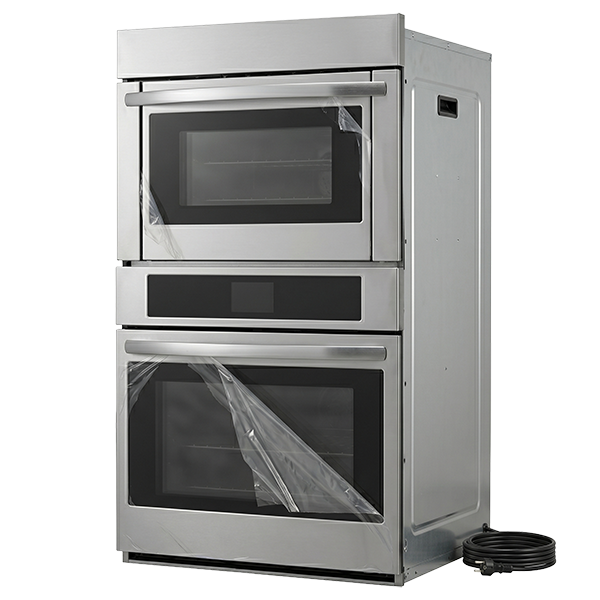
KOEC, with the oven cavity underneath
On the older stock the third letter carries it, so KOSE is single and KODE is double. On current stock it is the fourth, so KOES is single and KOED is double. KODC504PPS and KOEC530SPS are two different machines and the strings barely differ.
KitchenAid lists at least twenty-four current wall ovens, and at least thirty-six models still have live product pages. Anything discontinued drops off the listing, so treat every count as a floor. On a combination unit, this page covers the oven cavity.
The model and serial plate sits under the control panel on a single oven, and under the upper cavity control panel on a double. Two other locations are documented as well, the top of the cavity and the right mounting rail.
This is usually the oven temperature sensor or its harness rather than the element. The control reads a resistance it cannot accept, so it refuses to close the element relay. The panel lights, the fan may run, and the cavity stays cold.
The code set is useful here because it names the cavity. F3 E0 points at the upper oven temperature sensor, its control or the wiring between them. F3 E1 names the lower sensor instead. On a double oven that tells us which cavity to open before we arrive.
A motorised latch drives the door bolt, and position switches tell the control when the travel is finished. If the latch stalls part way, or a switch never reports, the control keeps the door shut. It will not release until the cavity has cooled either.
The latch and the door switch own the largest block of codes in the wall oven set. Twenty-four separate codes resolve to that one mechanism, spread across the 9d, 4d and F5 families. That is a lot of attention for a part most owners never think about.
A latch stuck between its full open and full closed positions is a service call, not a lever to force.
Two of the three causes here are not a broken oven. Control Lock shuts down every keypad and looks exactly like a dead machine. Hold START for three seconds on a single oven, or the lower START on a double, to clear it.
The second cause is the supply, and it is worth saying plainly. The F9 and F9 E0 codes most often mean the appliance is wired incorrectly at the house supply or at the hard wire connection. L2 and N swapped is the fault the documentation names outright.
So a dead wall oven is often an installation fault rather than a failed appliance. A power cut, or any key pressed inside the ten second delay on power up, can also throw F9 or PF. The third cause is a genuine control or user interface board failure, and that one we replace.
Two different faults wear this symptom. Calibration drift is a setting and the owner can move it. Sensor drift is a part, and no amount of dialling fixes it.
Calibration is model specific, and three methods exist, so some trial is expected. One is a settings, options or tools menu with a temperature calibration entry. Another is holding the Temp or Time down arrow for five seconds. The third is holding BAKE for five seconds.
Preheat is the figure we get asked to benchmark, and there is no single number to give. It depends on the element construction and on the supply voltage. The documented figures run from roughly a quarter of an hour to twenty minutes to reach 350F. An oven fed 208 V rather than 240 V takes longer, and racks left in the cavity add more.
A fan that keeps running after the oven is off is usually not a fault. The cooling fan runs during the cycle and afterwards, because the cavity and the electronics sit inside cabinetry. The convection fan also runs during preheat on cycles that are not convection cycles.
When it is a fault, the codes say so. F8 E0 is an airflow restriction or the upper cooling fan, and F8 E1 is the lower. Every current KitchenAid wall oven on the listing is electric, so the convection fan starts immediately rather than after a delay.
A dead touchpad reads as a dead oven, because on these machines the panel is the interface to everything. F2 E0 through F2 E6 point at the user interface or keypad, the control, or the wiring. The 1c1c and 1c2c codes point at the keypad and its wiring. Bare F2, with no sub code, is the oven temperature sensor and not the panel at all.
Two format facts save a phone call. The code may display as F followed by E, or as E followed by F. Someone reading E2 F3 off a panel is reading F3 E2.
There are also two parallel code families on this platform, and they point at the same subsystems. The older family is F with a number. The newer one is four characters beginning 1c, 1d, 3d, 4d or 9d.
| Family | Subsystem |
|---|---|
| 1c | User interface and control |
| 1d and 3d | Oven temperature sensor |
| 4d | Door latch and cooling fan |
| 9d | Door latch assembly |
So a display showing 9d31 and a display showing F5 E0 are pointing at the same mechanism. Write the code down before you clear it, because the machine may not show it twice.
A range rolls forward. A built-in wall oven has to come out of its cabinet on its own flexible conduit, and that conduit has a published length. KitchenAid prints it as dimension K on the dimension guide for each configuration.
| Configuration | Dimension K |
|---|---|
| Single wall oven | 48 inches |
| Double wall oven | 66 inches |
| Combination wall oven | 65 3/4 inches |
The guides say it outright: do not cut the conduit, because the length provided is for serviceability of the oven. We have seen a shortened conduit turn a routine sensor job into a rewire. The instruction is printed on the KitchenAid dimension guide for every configuration.
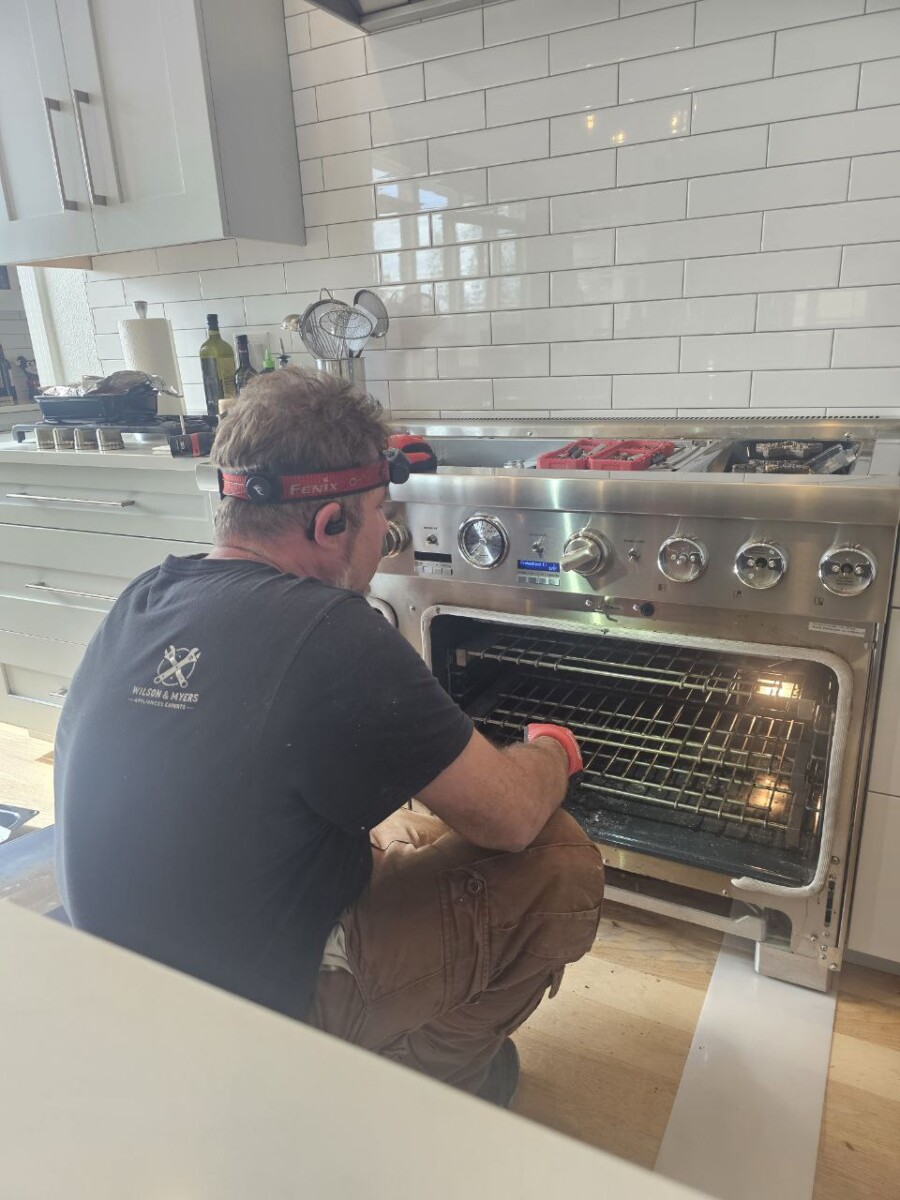
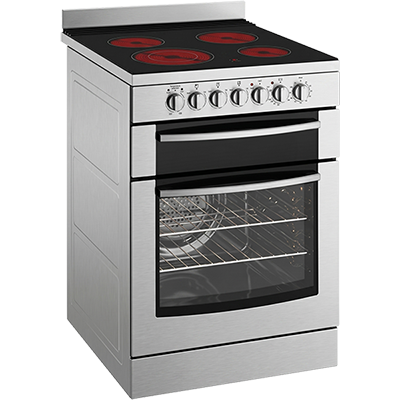
Three other install figures matter once a job turns into a removal. The junction box belongs no more than three inches above the product opening in a wall cabinet. Cabinet material is rated to a maximum of 194F.
The floor has to carry 200 pounds for a 30 inch single oven, and 330 for a double. Feet to raise the product are a service part, and tall feet need the tall bottom vent shield ordered with them. Two published sources give different circuit sizes for these ovens, so the rating plate governs.
Start with the checks that need no tools. Confirm the breaker has not tripped, and that the oven is not simply in Control Lock. If a code is showing, write it down exactly, including whether it reads F first or E first.
Call us when the code names a component, or when the door will not release once the oven is cold. Call us too when the panel is dead and the breaker is on. And call us before anyone unbolts the unit from its cabinet.
We diagnose first and quote second, and you decide before any part is ordered. Timing depends on whether the supplier has the part, and we tell you either way.
Our technicians are insured, and we work across the Denver Metro Area. Book online with the model number from the rating plate and the code on the display. Every repair carries a 100-day labor warranty, and we source KitchenAid parts through national supplier networks and manufacturer contracts.
Five questions we get on the phone about KitchenAid wall oven repair.
Under the control panel on a single oven, and under the control panel of the upper cavity on a double. If it is not there, check the top of the cavity and the right mounting rail.
There is no single honest number. Preheat time depends on whether the oven has a hidden or a visible bake element, and on the supply voltage. The documented range to reach 350F runs from about fifteen to twenty minutes. We can measure yours on site.
No. The KitchenAid limited warranty says outright that using an outside service provider, or a non-genuine part, does not void it. What it will not cover is damage traceable to that work. The general wall oven lineup carries one year on parts and labor.
Often yes. The codes name the cavity for the temperature sensor, the cooling fan and the appliance manager. So the fault can usually be traced to one side. We would not claim the two cavities are electrically independent, because no document says that.
Hold START for three seconds on a single oven, or the lower START on a double. Control Lock looks exactly like a failed control, and it is the first thing to rule out.
Ranges and cooktops are separate machines with separate access problems, and they have their own pages.
The general pages cover every brand we service: wall oven repair, oven repair, range and stove repair and cooktop repair. New builds and swaps go through wall oven installation. The KitchenAid brand page and the cooking brands index cover the wider line.
Send us the fault display and tell us whether the door locked after a cleaning cycle. We will book an insured technician.
Repair guides, maintenance tips and troubleshooting walkthroughs written by our insured technicians.
You opened the KitchenAid freezer this morning and the bin was empty. In my experience, the arm is the first thing worth checking: the fix costs nothing and ta…
A Frigidaire oven not heating can come down to a setting rather than a part. Before you book a repair, two checks cost nothing and take under a minute: the clo…
A Whirlpool dryer that tumbles but never heats traces to one of five faults, and three of them cost nothing to check. Here is the order to work through them, p…
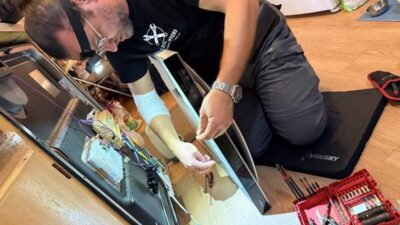
F8 E4 means water reached the drip tray, not a fill fault. Here is the two-step reset and why it can fire on a brand-new install with a dry tray…
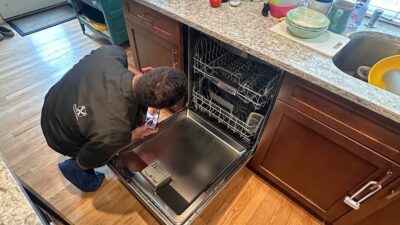
A Bosch dishwasher E22 error means one thing: the filter is blocked, and there is probably water sitting in the bottom of the tub…

A Frigidaire refrigerator not cooling is not always a broken refrigerator. The display on the door settles that question in about ten seconds…
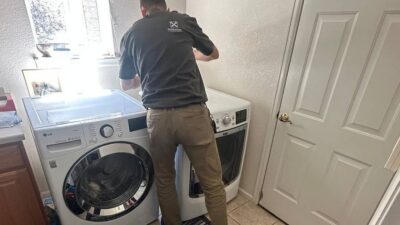
You walked into the laundry room and the display is flashing D80. The drum is still turning. You do not know whether to stop the cycle or let it finish. D80 is…
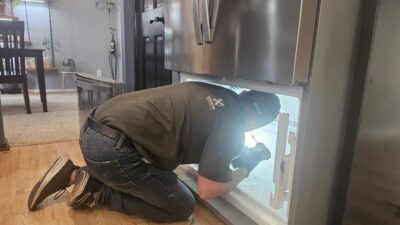
A GE refrigerator not cooling usually falls into one of two failure paths. The question is simple: is the freezer still cold? If yes, the sealed system is inta…
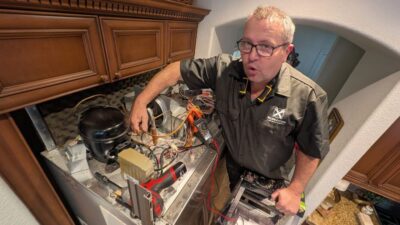
You pull open the freezer on a July evening and find an empty bin. A Frigidaire ice maker not working in peak summer is one of the most frequent calls our Denv…
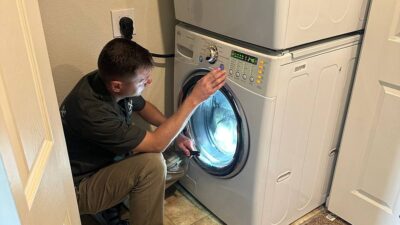
The LG washer UE code means the machine detected an unbalanced load during the spin cycle and stopped to protect the drum and bearings. UE is protection not br…
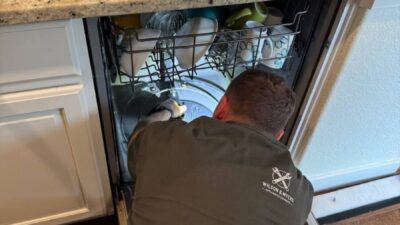
E24 on a Bosch dishwasher means the drain cycle did not complete. A clogged filter basket is the cause in most cases. If the filter is clear, the drain pump or…
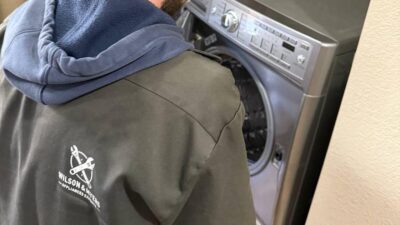
When the LG washer LE code flashes mid-cycle, the drum stops, and your laundry sits locked inside. Most people's first thought is a broken motor. It usually is…
Wilson & Myers dispatches insured technicians to homes running KitchenAid appliances throughout the Denver Metro Area.
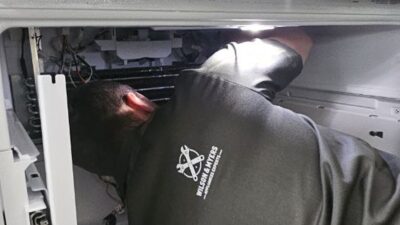
Built-in ovens are fitted tightly, and getting one out of cabinetry is where the damage happens. Removal is part of the visit.

Wilson & Myers is a verified member of the Denver Metro Chamber of Commerce.